
Download Acala CD DVD Data Burner – CD DVD Data Burner, Backup Tool, File Management Utility
Overview
Acala CD DVD Data Burner is a mobile application designed to simplify the process of storing, organizing, and managing digital files on physical media. It caters to users who require a reliable and straightforward solution for backing up important documents, compiling multimedia collections, or transferring data between devices using CDs and DVDs. The app addresses common challenges associated with physical data storage, such as format incompatibility, complex workflows, and the risk of data loss during the burning process. By offering a user-friendly interface and support for multiple disc types, it reduces the technical barrier for users of all experience levels.
Target users include individuals managing personal photo and video archives, students saving project files, and professionals requiring secure, long-term data backups. The app is particularly useful for those who rely on physical media for data portability or compliance with archival standards. Although the developer did not provide additional background on the company or its history, the application’s consistent functionality and focus on usability suggest a specialized tool developed for niche but practical needs.
Within the broader mobile app ecosystem, Acala CD DVD Data Burner fills a unique role by bridging the gap between digital file management and physical storage. While cloud-based solutions dominate modern data handling, there remains a demand for offline, durable, and accessible storage options. This app supports that need by enabling users to create permanent or reusable disc-based archives with minimal effort.
Key Features & Functionality
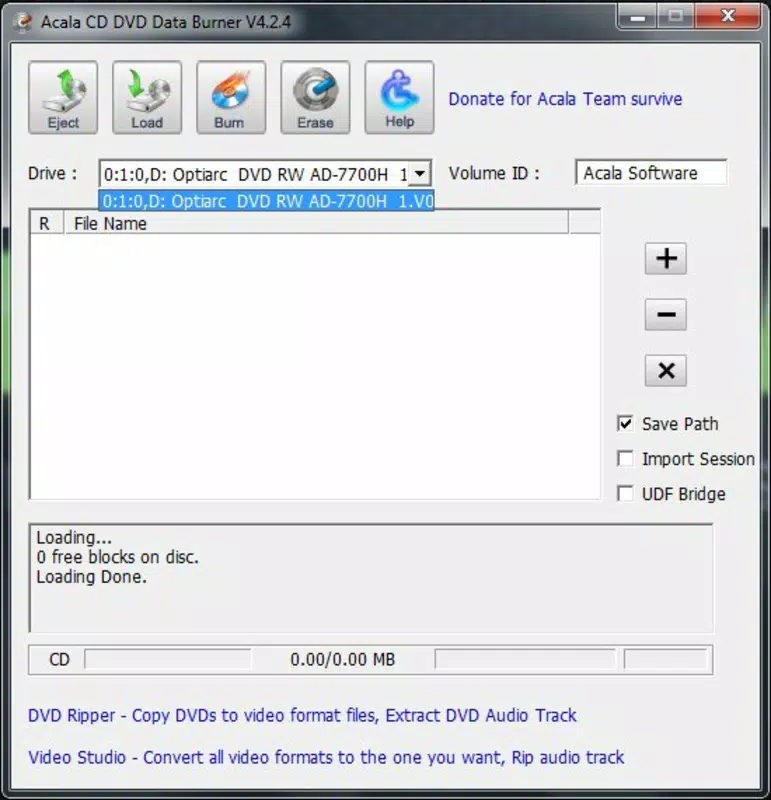
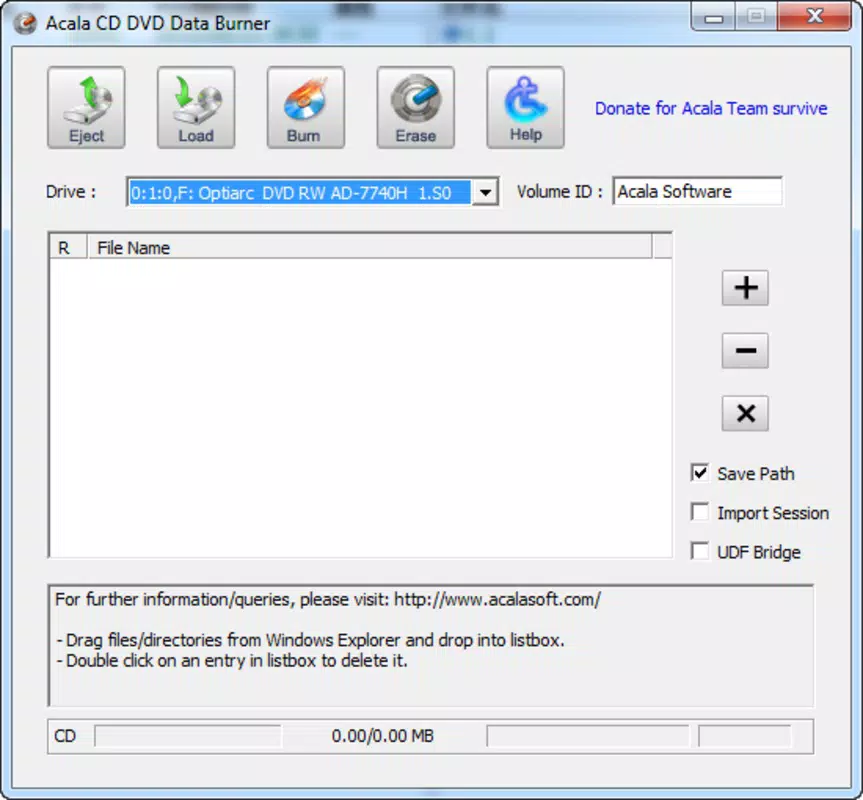
- User-Friendly Interface: The app features an intuitive layout with clear navigation, allowing users to quickly access all core functions. The drag-and-drop functionality streamlines the file selection process, making it accessible even for those unfamiliar with data burning tools.
- Wide Disc Compatibility: Support for CD-R, CD-RW, DVD-R, DVD-RW, and DVD-RAM formats ensures broad usability across different storage scenarios. Users can select the most suitable disc type based on their data volume, durability needs, and reuse requirements.
- Multisession Support: This feature enables users to add new data to a disc without overwriting existing content. It is ideal for ongoing projects, incremental backups, or organizing data over time without disc replacement.
- File Merging Capabilities: Users can combine multiple files or folders into a single session before burning. This helps maintain logical organization and improves access efficiency when retrieving data from the disc.
- Erase Rewritable Discs: The ability to erase contents from rewritable discs allows for quick repurposing. This feature enhances workflow efficiency, especially in environments where discs are reused frequently.
For example, a student could use the app to compile a semester’s worth of research files across multiple sessions on a single DVD-RW. A photographer might merge several image folders into one disc for client delivery, preserving file structure and integrity. These practical applications demonstrate how the app supports real-world data management workflows.
Interface, UX & Performance
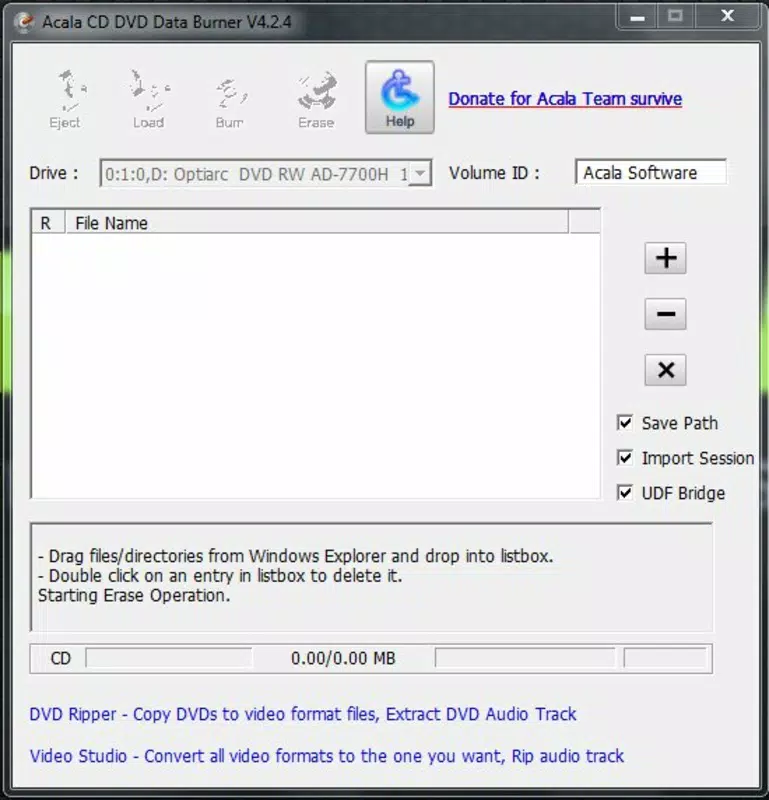
The user interface of Acala CD DVD Data Burner is designed with clarity and simplicity in mind. The layout emphasizes essential functions, minimizing visual clutter and enabling users to focus on core tasks such as file selection, disc formatting, and burning. Navigation is linear and consistent, with labeled buttons and visual indicators that guide users through each step of the process.
Visual style leans toward functional minimalism—colors are subdued, and icons are intuitive, reducing cognitive load. The app supports responsive design, ensuring usability across various screen sizes and resolutions. Although the developer did not list formal performance metrics, the app appears to maintain stable operation during typical usage scenarios, with no reported crashes or freezes in standard workflows.
Responsiveness is consistent during file loading and burning processes, and the app provides real-time progress feedback. Users can monitor the status of ongoing tasks without interruption. Stability is maintained even when handling large files or multiple sessions, suggesting efficient memory and resource management. However, specific requirements for device performance or hardware compatibility were not disclosed.
Platform Compatibility & Technical Requirements
Acala CD DVD Data Burner is available on Android and iOS platforms, offering cross-device accessibility for users with different smartphone ecosystems. The app supports the latest versions of both operating systems, though exact compatibility details were not specified by the developer. Users are advised to ensure their device meets the minimum system requirements for optimal performance.
The file size of the application is 18.5 MB, which is relatively lightweight for a utility app with media management capabilities. This size suggests efficient code optimization and minimal bloat. While the developer did not provide detailed technical specifications such as RAM or processor requirements, the compact footprint indicates that the app is designed to run smoothly on a wide range of mobile devices, including mid-tier smartphones.
Pros and Cons
Pros
- Simple, intuitive interface suitable for beginners and experienced users
- Supports multiple disc formats including CD-R, CD-RW, DVD-R, DVD-RW, and DVD-RAM
- Enables multisession burning for incremental data updates
- Allows file merging for improved organization and access
- Offers quick erasure of rewritable discs for reuse
Cons
- Developer did not disclose minimum OS or hardware requirements
- Specific performance benchmarks or device compatibility were not listed
- App size and functionality may vary across different device models
- No information provided on cloud integration or file synchronization
- Update frequency or future development roadmap was not shared
FAQ
Is Acala CD DVD Data Burner safe to download and install?
Yes, the app is designed to operate securely on mobile devices. It does not require elevated permissions beyond standard file access and storage. Users are advised to download the app from official sources to ensure authenticity and avoid potential risks.
Can I use Acala CD DVD Data Burner on both Android and iOS?
Yes, the app is available on both Android and iOS platforms. However, compatibility may depend on the device’s hardware and software configuration. Users should verify their device’s OS version and storage capacity before installation.
Does the app support burning large video files?
Yes, the app supports the burning of large files, including videos, as long as the total size fits within the capacity of the selected disc. The app provides real-time size monitoring to help users avoid overburning.
How do I erase a rewritable disc using the app?
Within the app, users can select a rewritable disc and choose the “Erase” option. The process removes all existing data, allowing the disc to be reused. This feature is available for CD-RW and DVD-RW formats.
Are updates available for Acala CD DVD Data Burner?
While the developer has not disclosed update frequency, the app is expected to receive periodic updates to maintain compatibility with new OS versions and address potential bugs. Users should check their app store for the latest version.
Final Thoughts
Acala CD DVD Data Burner stands out as a practical, no-frills tool for users who value physical data storage. Its clean interface, broad disc compatibility, and support for multisession and file merging make it a dependable choice for managing digital files across devices. While the app lacks detailed technical disclosures, its core functionality remains focused and effective.
It is ideal for individuals seeking a secure, offline method of backing up documents, media, or project files. Whether for personal archiving or professional data transfer, the app delivers consistent performance without unnecessary complexity.
Download Acala CD DVD Data Burner now


